

Description
TREND Indicator MT4 – Detect Trends Like A Pro
No-repaint, Trend-Following Indicator With Visual Smart Display And Free Signals!
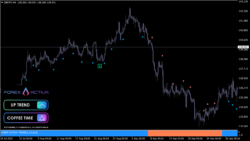
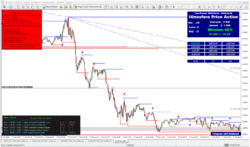
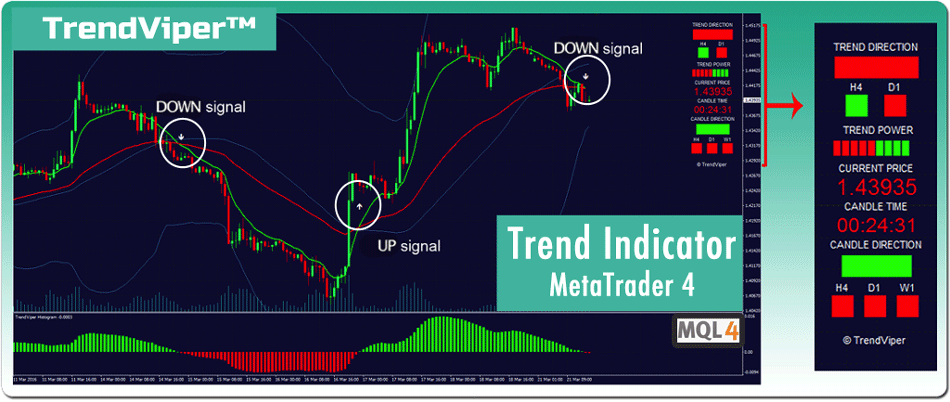
Additional Smart Display in MT4.
The color-coded Smart Display positioned on the right side on your chart shows the essential price and candle information. The Display also gives you immediate insights into trend position and candle direction on upper time frames. As a result, there is no need to track this information on separate charts. Here is a complete breakdown of the display functions.
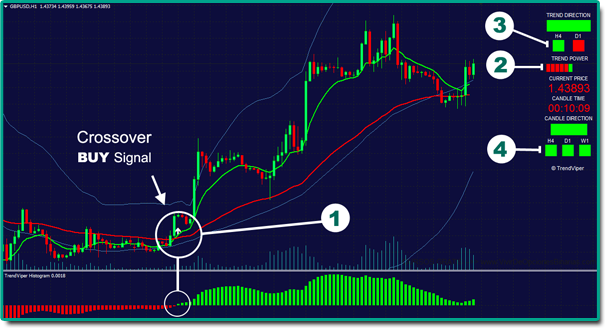
STEP 1 – Wait until a signal is generated by the trend indicator in MetaTrader 4. (arrow, popup, and email or push notification)
STEP 2 – Confirm the signal with the ADX Trend Power bar in the visual display section. More power bars mean a stronger trend.
STEP 3 – Confirm the signal with the trend on upper time frames. (optional) There is a greater probability that the trend will continue if it’s the same on Upper time frecf6f2ames.
STEP 4 – Finally, you can confirm the signal with the candle on upper time frames. (optional)